How to Remove the Background From a GIF (Frame or Animation)
Remove a GIF background with ShotBG: cut one frame to a transparent PNG, or rebuild an animation frame by frame with tested ffmpeg steps for GIF, APNG and WebP.
Expert guides on product photography, background removal, e-commerce optimization, and AI-powered photo editing techniques.

Remove a GIF background with ShotBG: cut one frame to a transparent PNG, or rebuild an animation frame by frame with tested ffmpeg steps for GIF, APNG and WebP.

Change a photo's background to white, grey, green, blue or any color: the three methods that work, how to pick a color that suits the subject, how to avoid halos and color spill around the edges, and how to export so the color stays exact.

A white background that looks white is often light gray. How to get true pure white (#FFFFFF), the exposure and editing methods that work, how to cut a product out and place it on white, and how to verify the file before you upload it to Amazon or any marketplace.

Grainy photos are a noise problem and blurry photos are a focus or motion problem — they need different fixes. Here is how to tell them apart, what denoise and sharpen can and cannot recover, and how to reshoot a product photo so it comes out clean.

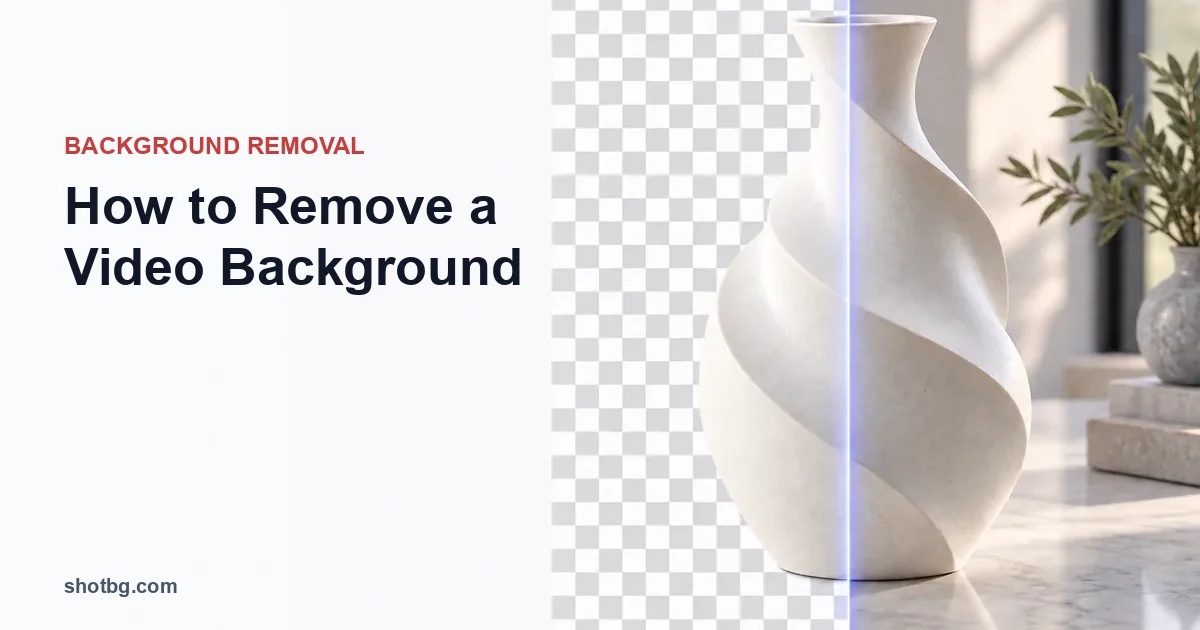
ShotBG removes backgrounds from still images, not video. Here is the honest answer on removing a video background — when to use a video editor's chroma key or AI rotoscoping, when a frame-by-frame workflow makes sense, and the exact ffmpeg commands to do it.

A background remover keeps your subject and drops everything behind it; an object eraser deletes something inside the scene and fills the gap. Which one you need to remove a person or object from a photo — and what ShotBG does and does not do.

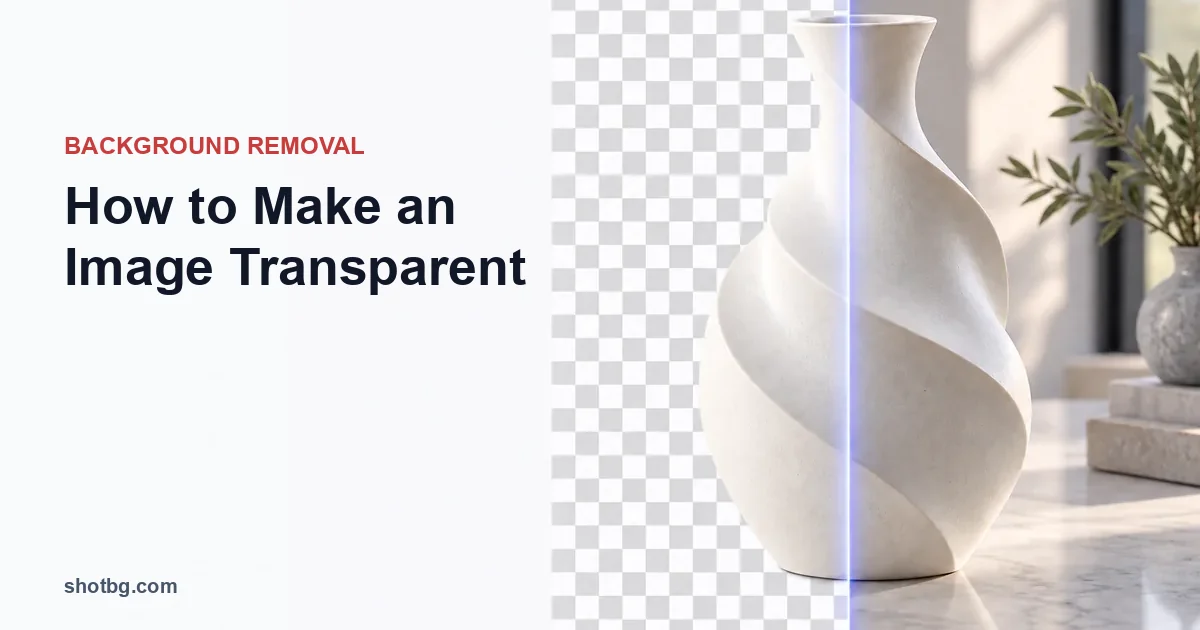
Two things people mean by a transparent image: a transparent background, or a whole image made see-through. Step-by-step for both, which tools do what, and how to save the file so the transparency actually survives.

Learn how to blur the background of a picture with phone and editor tools, choose natural blur, and check cutout edges before exporting.

Remove the background from an image with an AI remover for a one-click transparent PNG, or Photoshop and free tools for manual control. Steps, when to use each, and how to check the result.

Why Amazon suppresses product images and a step-by-step playbook to get suppressed listings back in search — main-image rules, review triggers, and recovery.

Photograph tents, sleeping systems and backpacks with clear deployed and packed states, usable-space measurements and careful mesh and guy-line checks.

Photograph sunglasses and optical frames with readable tint, controlled reflections, clear size markings and careful transparency checks.

Show collectible condition, release details, packaging and accessories with practical lighting for figures, cards, foil and clear display windows.

Shoot clear labels, accurate wax and glass, separate flame exposures, and useful detail photos for candles, reed diffusers and room sprays.

Show a bag’s natural shape, leather or fabric texture, hardware, closures and interior with honest measurements and careful cutout checks.

Capture readable supplement labels, reflective pouches, closures and actual pack quantities while preserving product color and packaging accuracy.

Understand photo-based and 3D virtual studios, prepare accurate source images, review generated scenes and compare costs without invented savings.

Plan lifestyle product photos around real use, scale and context, with clear boundaries for generated scenes and product claims.

Master Amazon's product image requirements for 2026: technical specs, main-image rules, and optimization tips to boost conversions and avoid suppression.

Learn how to take professional product photos at home with budget-friendly equipment. Master lighting, camera settings, and post-processing for e-commerce success.

Control mixed light, use a neutral reference, distinguish profile conversion from assignment, and verify product colors after editing and upload.

Audit supplier photo permissions, match images to exact variants, decide when to obtain samples, and edit backgrounds without inventing product details.

Choose background, RAW, layer and layout tools by task, evaluate them on your actual products, and keep a recoverable path from source to export.

Reduce avoidable material use and reshoots, measure comparable photo workflows, and evaluate digital backgrounds without unsupported environmental claims.

Create overhead product photos with parallel alignment, readable kit contents, controlled shadows and room for storefront thumbnail crops.
Choose white, gray, dark, textured or generated product backgrounds by checking edge contrast, reflections, transparency, scale and image purpose.

Photograph handbags and functional bags with measurable capacity, honest shaping, readable interiors, and controlled leather and hardware reflections.

Show assembled gym machines, operating and folded dimensions, controls and attachments with clear lighting and accurate space-planning photos.

Photograph book covers, foil finishes, interiors and edition details while documenting condition and protecting the binding.

Photograph mounting points, connectors, part numbers and dimensions clearly, with practical lighting for chrome and rubber and honest used-part documentation.

Create clear instrument photos showing playing interfaces, proportions, reflective finishes, serial markings and genuine condition.

Document antiques and vintage objects with located condition details, contextual maker’s marks, careful measurements and honest background editing.

Photograph readable watch dials, controlled crystal reflections, case and strap dimensions, shallow-focus details and genuine condition.

Remove an image background in Adobe Express, export a truly transparent PNG, troubleshoot white downloads, and choose manual refinement or ShotBG.

Use a ShotBG transparent PNG in Canva, or make a manual cutout in GIMP. Learn which steps preserve transparency and where Canva export access matters.

Learn how to remove background in Photoshop with 5 proven methods. Step-by-step tutorials for beginners and pros, plus faster AI alternatives.

Remove backgrounds in GIMP using Fuzzy Select, Select by Color, Foreground Select, or Paths, then refine a layer mask and export a transparent PNG.

Adjust backgrounds with Lightroom masks, then use Photoshop, GIMP or ShotBG for a real cutout and verify the exported transparent PNG.

Learn everything about transparent background images - how to create them, which formats support transparency, best practices for web and design use.

Master the product photo editing workflow from raw capture to final export. Learn color correction, retouching, background removal, and batch processing techniques.