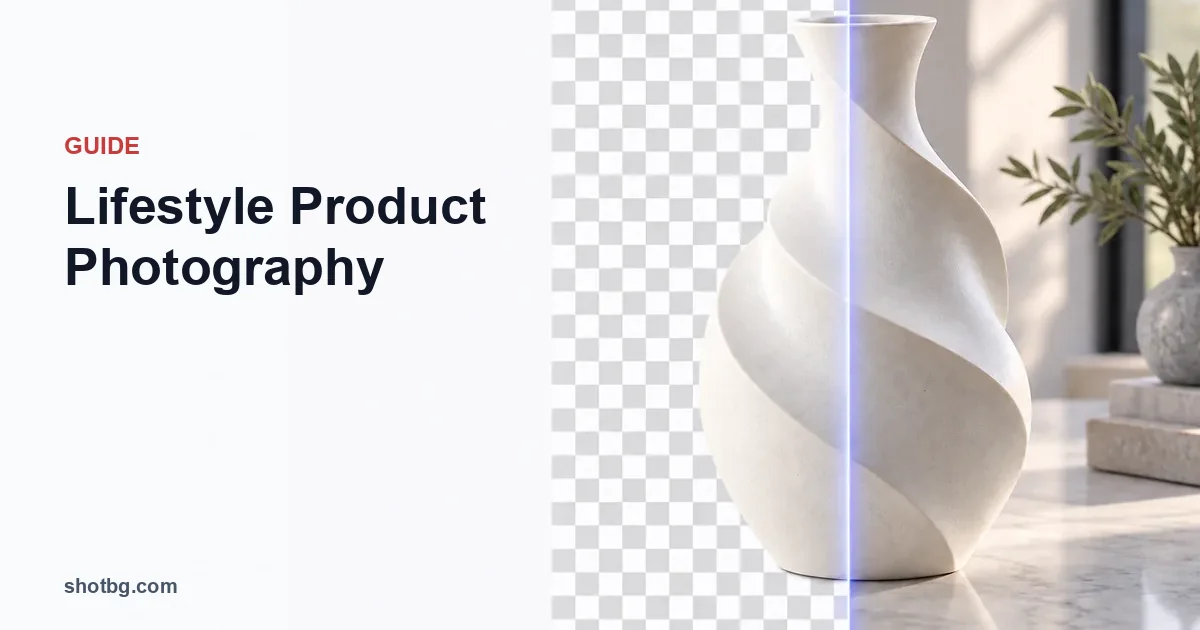
Lifestyle product photography shows a product in a recognizable setting or in actual use. Start with one buyer question, such as how a lamp sits beside a chair or how a bag is carried, then build a scene that answers it. Keep a separate neutral product photograph for exact shape, color and included contents.
A lifestyle image is useful when context adds information. Filling a room with props without showing anything new about the product adds styling, not an answer.
Write the question before choosing the location
| Buyer question | Useful scene | Detail the photograph must retain |
|---|---|---|
| How large is this table lamp? | Lamp beside ordinary furniture | Full lamp, surface contact and stated dimensions elsewhere |
| How is this shoulder bag carried? | Real person wearing the actual bag | Strap setting, bag position and unobstructed outline |
| Will this organizer suit a desk? | Organizer holding identifiable objects | Openings and the actual arrangement, with props distinguished |
| How does this dispenser operate? | Hand using the supplied pump | Nozzle, hand contact and dispensed product if genuinely shown |
Choose the scene around that question. If the hand hides the fastening or the flowers hide the container opening, remove or move them. For overhead arrangements that document contents, use the flat-lay guide instead.
Keep scale believable
Place the product and its reference object at similar distances from the camera. A small object close to a wide-angle lens can look larger than furniture behind it. Step back and reframe if the relationship looks distorted.
Do not resize a product independently inside a scene to make it fit a shelf. Record its physical dimensions and use an actual fit photograph if clearance is the selling point. A generated shelf cannot verify that the item fits a real one.
For worn products, state relevant model and product measurements in the listing when available. One person's proportions are context, not a universal size chart.
ShotBG removes backgrounds in seconds with AI. Free for your first image — no signup required.
Make the lighting explain contact and texture
Choose one dominant light direction. Turn off a warm room lamp if it puts an unwanted orange patch on a product lit by a window. A neutral reference at the product's position helps establish its baseline color; keep any deliberately warm mood treatment separate from the color-reference product image.
Preserve the small shadow where the product meets a table or a hand. That contact helps the viewer understand where it sits. If the product appears to float, inspect positioning and light before adding more blur or darkening the whole scene.
For a moving demonstration, inspect the actual label and hand in the captured file. A pleasing preview can hide motion blur that makes the action or packaging unreadable. Repeat the real action if needed; do not invent a different grip or product function through retouching.
Decide whether the scene needs to be real
A real photograph is the stronger choice for fit, handling, assembly, water exposure or a product supporting weight. These depend on actual contact and behavior.
An illustrative backdrop can be suitable for a campaign mood image. ShotBG can remove the existing background, replace it with a studio setting and, on Pro, generate a custom background from a text description. It does not establish real-world performance or create evidence of a product being used.
Check perspective, light direction, scale and reflections after a background change. A bottle photographed from above will not automatically look correct on a table shown at eye level. If the product reflects the old room, replacing the scene outside its edge may leave that reflection visible.
Place the image where its meaning is clear
Use factual product and contents photos where the buyer needs identification. Add lifestyle views where they answer use or context questions. Review the Amazon image requirements guide before assigning a styled scene to that marketplace's main-image slot.
For each final scene, ask: is the actual sale item clear, are props distinguished, and could a buyer reasonably mistake the image for a fit or performance demonstration that never happened? Fix that ambiguity before publishing. There is no universal conversion lift to promise; the practical outcome is a gallery that answers more of the buyer's questions honestly.

